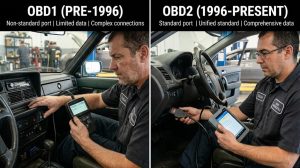
What Is JDMScan?
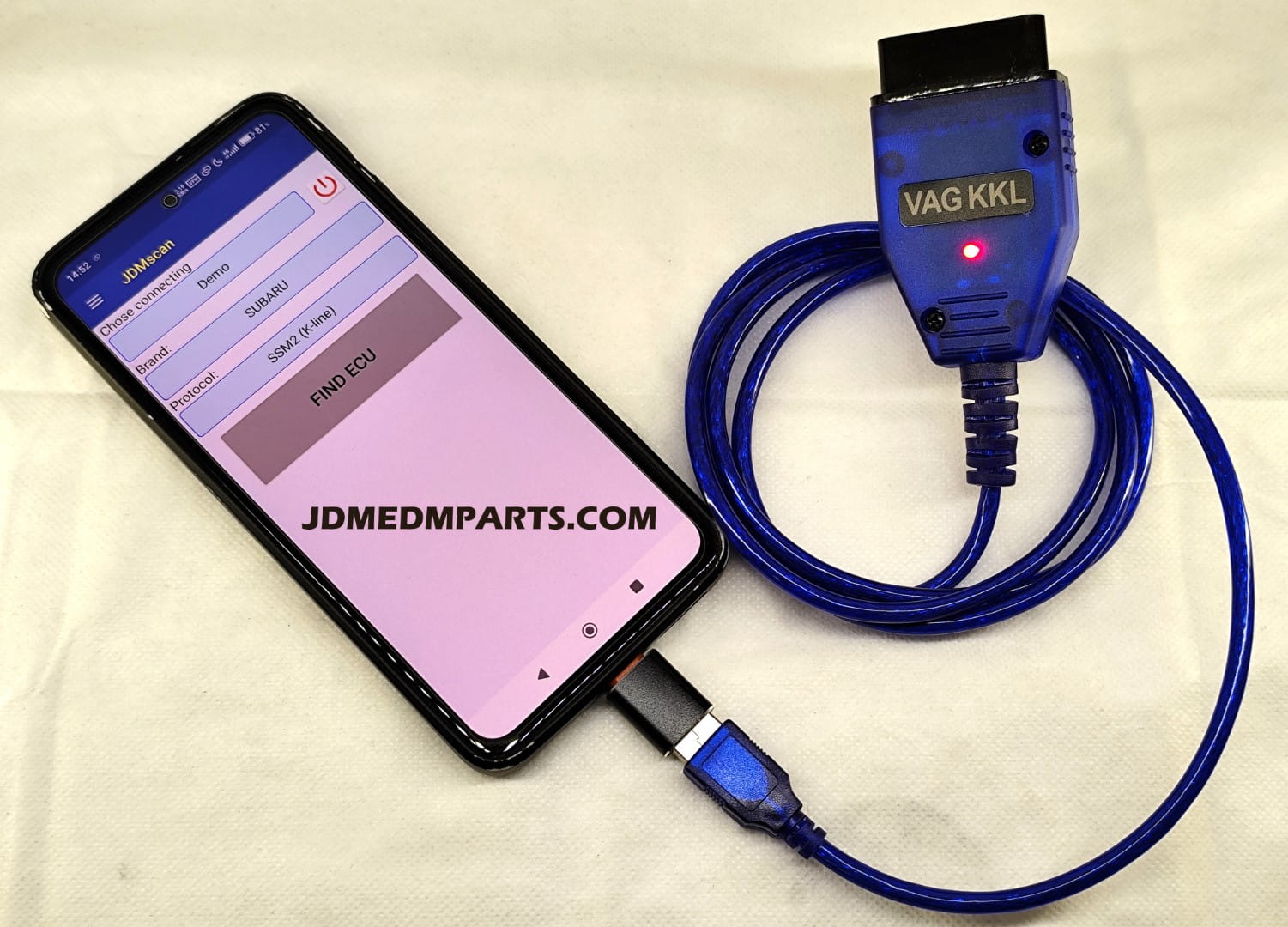
JDMScan is an Android application that communicates directly with Subaru ECUs using the SSM2 protocol.
- Engine Control Module (ECU)
- Transmission Control Module
- ABS System
- Airbag System
- Climate Control
Why Subaru Owners Use JDMScan
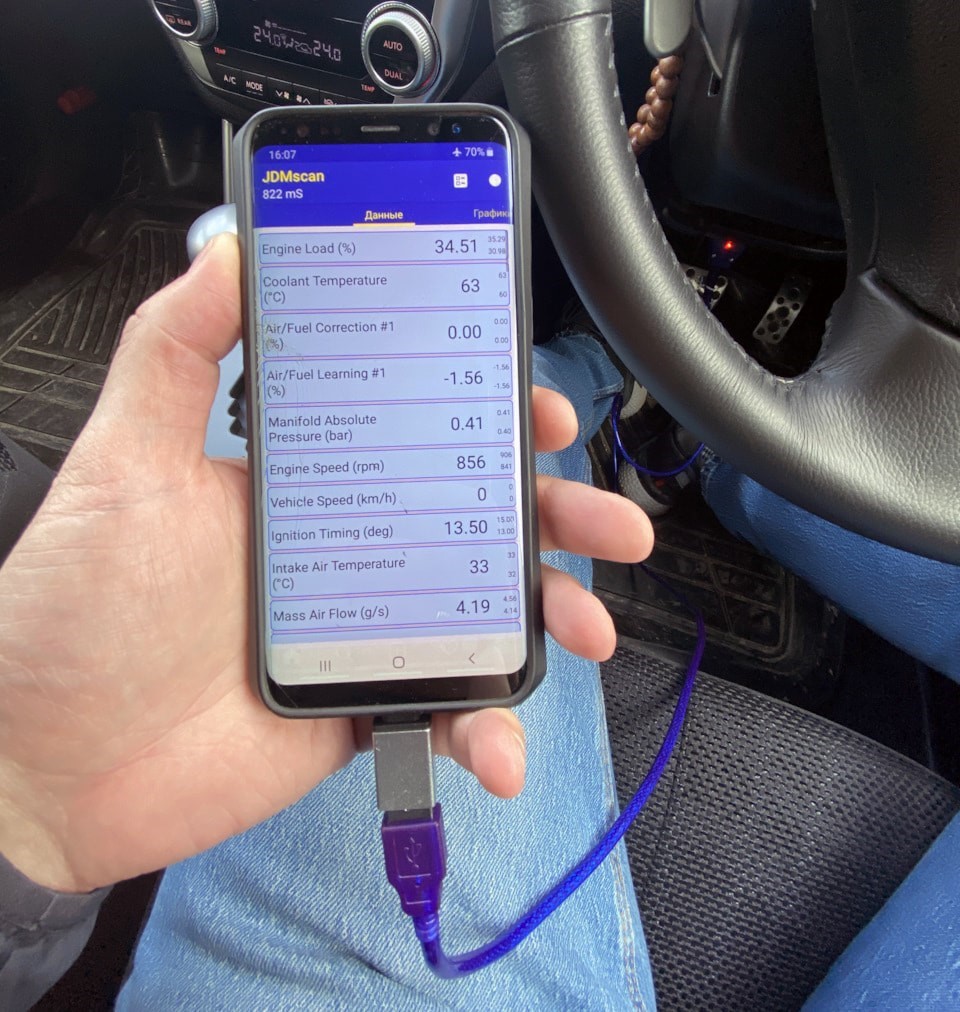
Unlike standard OBD2 apps, JDMScan provides access to advanced Subaru-specific data:
- Fine knock correction
- Feedback knock
- Boost pressure
- Fuel trims
- Ignition timing
- Misfire counts
How JDMScan Works
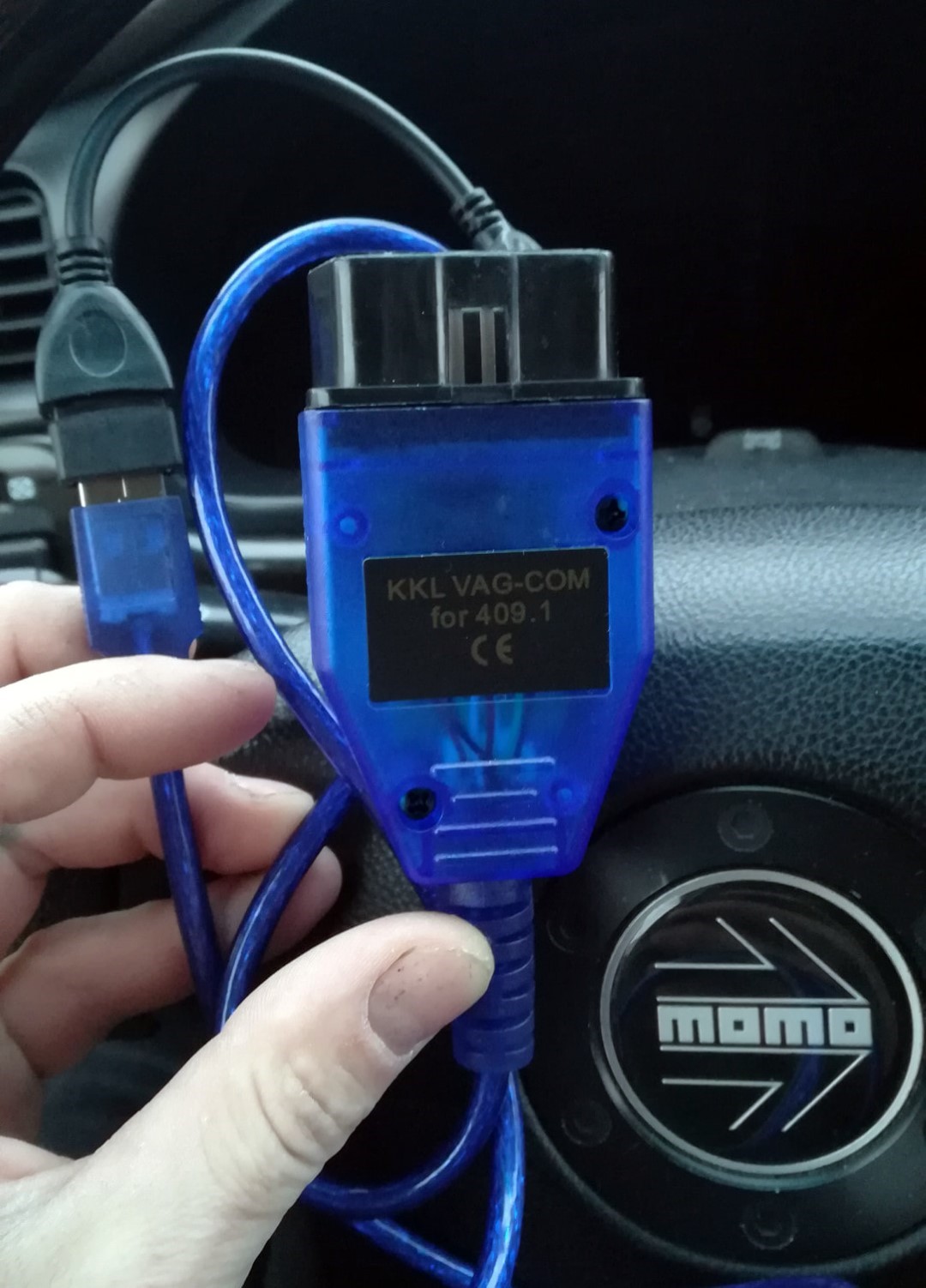
JDMScan uses a USB K-line interface instead of Bluetooth adapters.
- Android device
- USB OTG cable
- VAG-COM 409.1 KKL with FTDI FT232RL chip (K-line adapter cable)
- Compatible Subaru
Supported Subaru Models
- Impreza / WRX (1998–2005)
- Forester SF / SG
- Legacy / Outback BE/BH, BP
- Baja
- Early STI models
Live Data Logging
JDMScan allows real-time logging for diagnosing:
- Boost leaks
- Knock issues
- Misfires
- Fuel problems
Advantages
- Deep Subaru diagnostics
- Affordable setup
- Fast data refresh
- Great for older models
Limitations
- Basic interface
- Not beginner-friendly
- No iOS support
- Limited support for newer cars
Alternatives for Newer Subaru Models
- ActiveOBD
- OBDLink
- Torque Pro
- Car Scanner
Final Thoughts
JDMScan is one of the best tools for diagnosing older Subaru vehicles using SSM2. With the right cable, it provides deep insight into your car’s performance and health.
You can download JDMScan apk for free, it will be uploaded here.